

Coffee Connect

Book a seat at a café, get a discount

Booking is free, no prepayment.Just show the QR at the counter.

Open the app
A cup of milky coffee on a saucer, seen from above

Get your discount at the counter
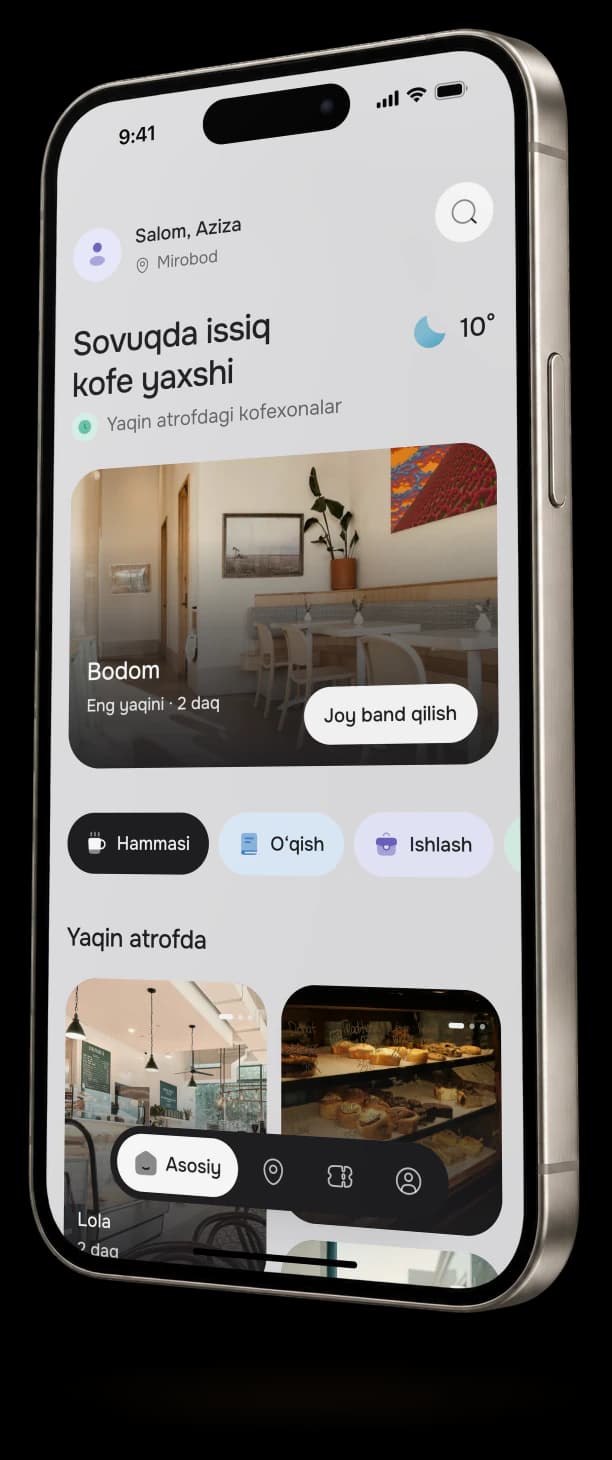
  1. Coffee Connect home screen on a phone: nearby cafés and a booking button

    Choose a café

    The app shows partner cafés, their opening hours and free seats. New places are added all the time.
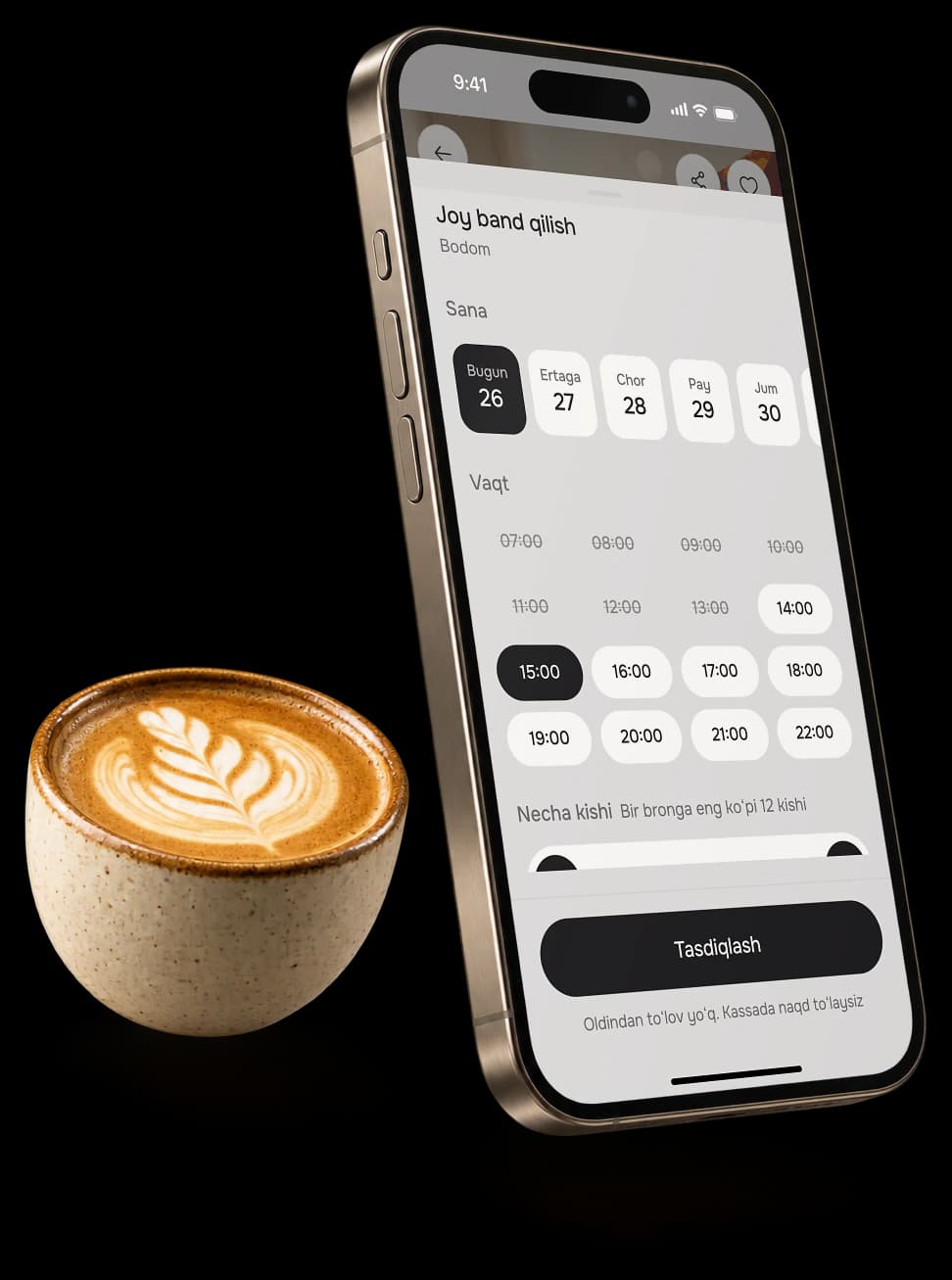
  2. Booking screen on a phone: date, time and party size with a confirm button, next to a cup of coffee

    Book your seat

    Pick the day, the time and how many of you are coming. No need to call.
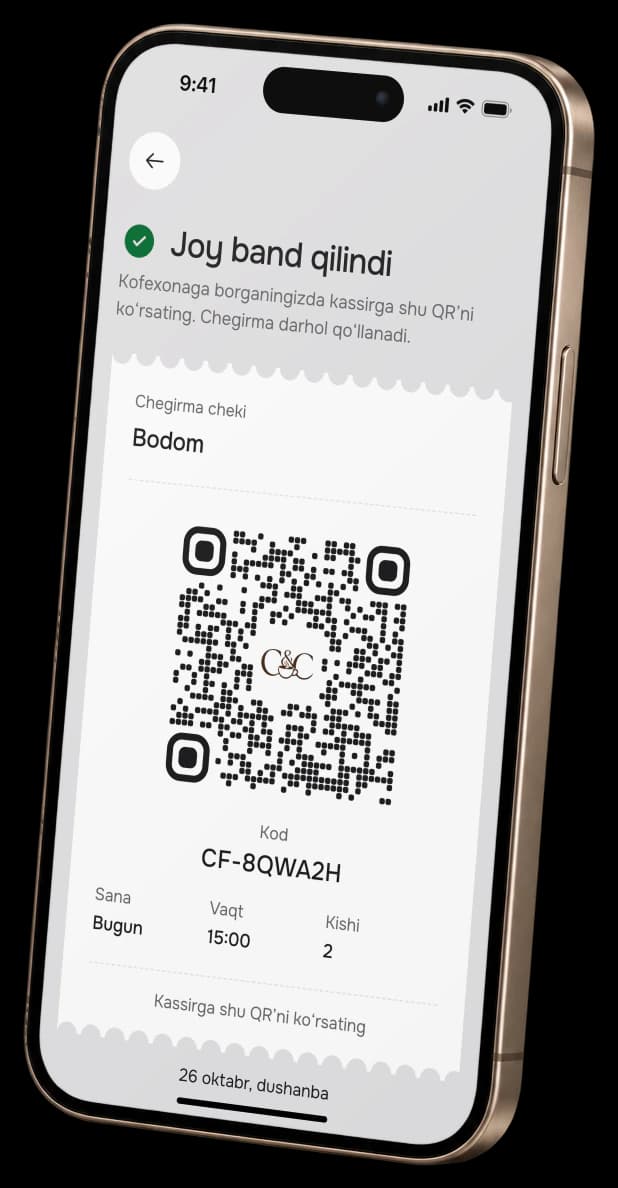
  3. Discount receipt on a phone: a QR for the cashier with the booking code below

    Show the QR at the counter

    The cashier scans it and the discount applies right away. You pay the rest on the spot.

Four friends laughing around a café table, cups of coffee in front of them

Invite a friend

Once you’ve booked, send a link on Telegram. Your friend opens it and books a seat too. You both get the discount.
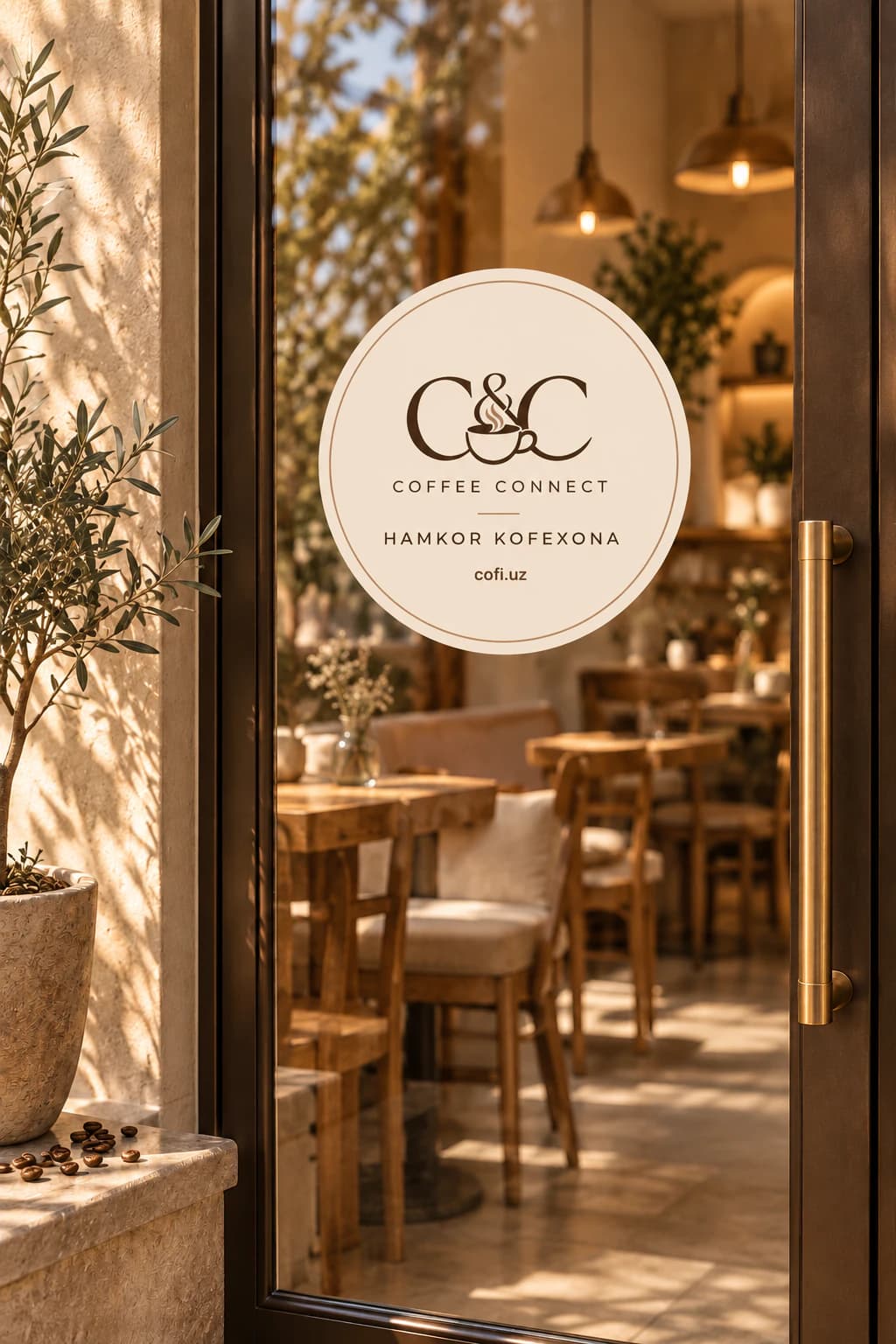
A round Coffee Connect sticker on a café’s glass door, the partner café sign

Own a café?

Partner cafés are joining now: we bring guests to your empty tables.

Add your café